How to use Compare images
Compares two images and shows where they differ.
Open the appSettings
Basic input data
| Setting | What you enter | Default |
|---|---|---|
| Upload your reference file required | SVG, AVX, EIA, NC, CNC, GCODE, PLT, DXF, JPG, JPEG, BMP, GIF, ICO, WMF, PCX file, up to 50 MB | – |
| Upload your test file required | SVG, AVX, EIA, NC, CNC, PLT, DXF, JPG, JPEG, BMP, GIF, ICO, WMF file, up to 50 MB | – |
What you get
- A preview image of the result
Worked example
Image 1
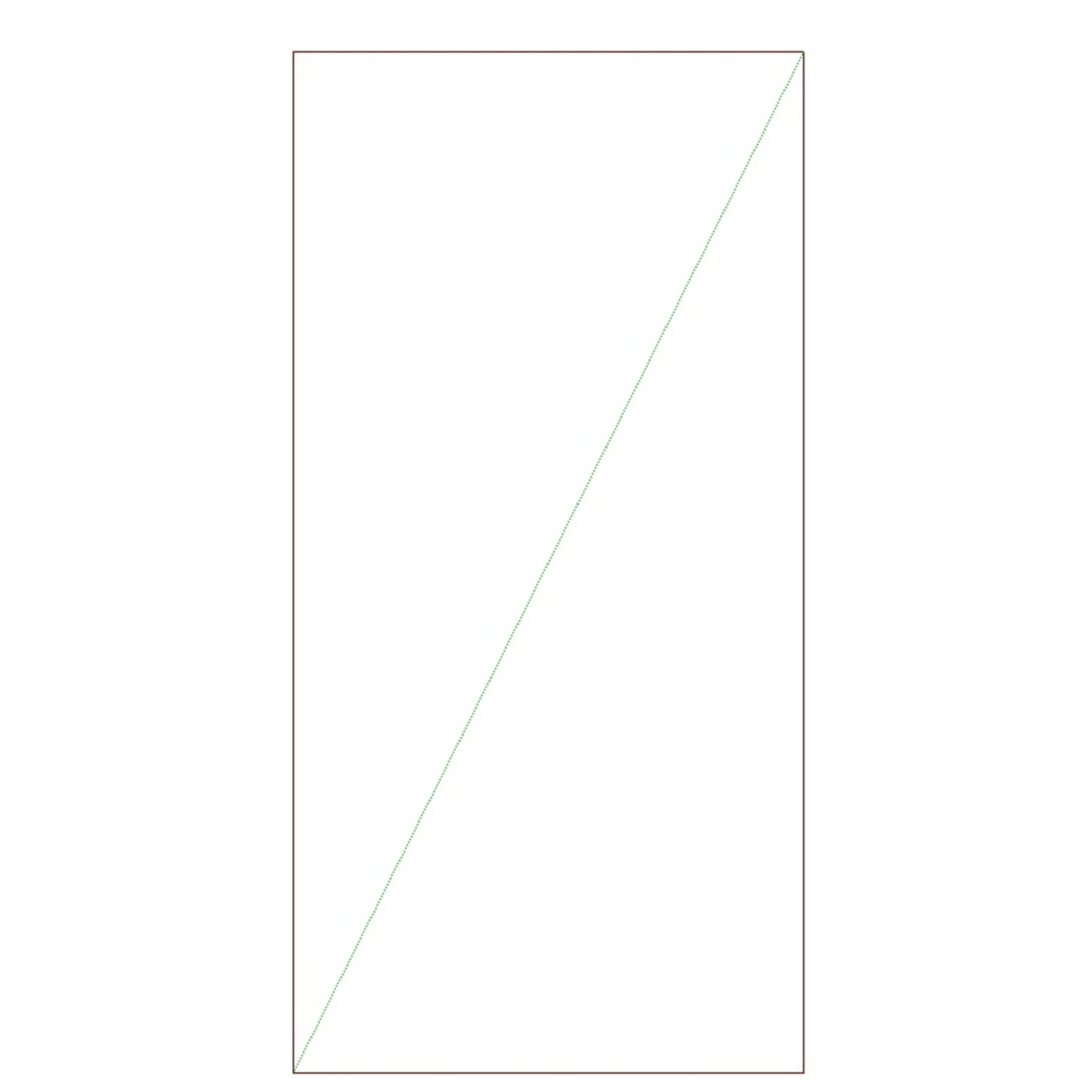
Image 2
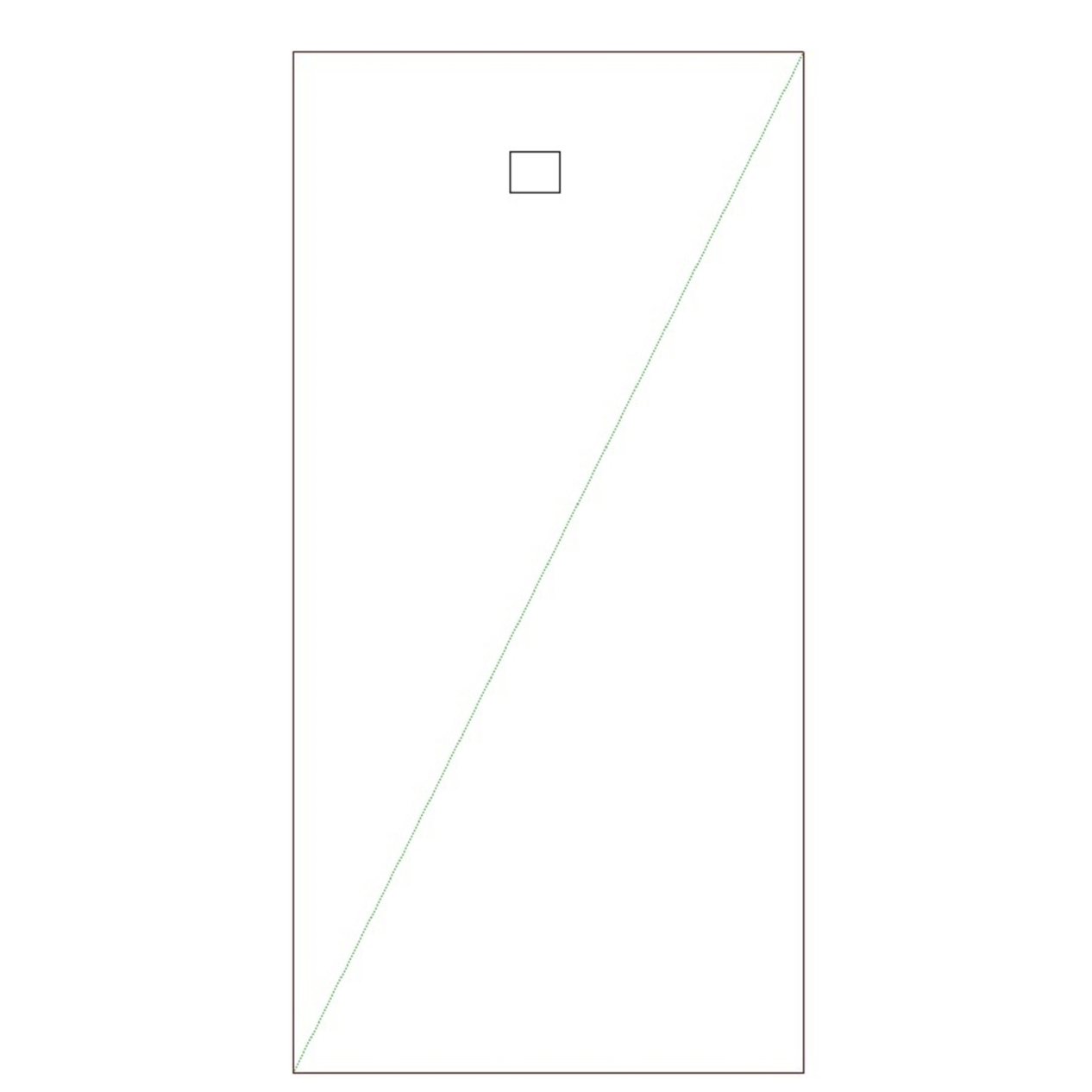
Result