Prepare a DXF drawing for further processing with selectable cleanup and geometry conversion options. Remove points, flatten geometry, close parts or connect small lines, then download the updated drawing.
More about this app
If you prefer a desktop solution, this application is also available in CncApps v.1.
Results
Your result will show up here
Fill in the steps above and hit the button.
Daily limit reached
That’s all the free runs for today
Good news: a free account gets you more free runs every day, plus your run history.
Your inputs are saved, so you can pick up where you left off.
Report an issue
Offline too New
gsDXF2gCode
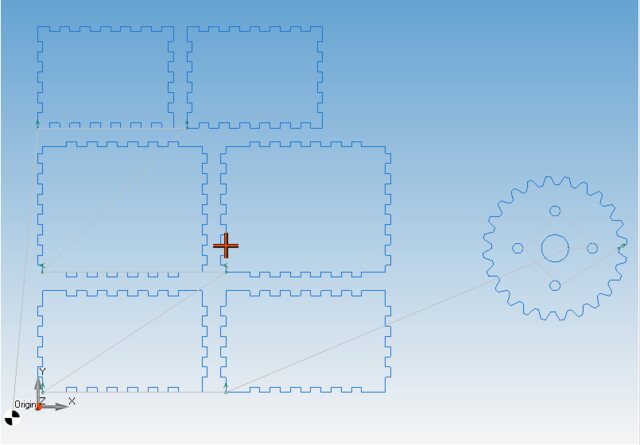
Our new Windows CAD/CAM. Draw or import a part, nest it on the sheet, watch the cut and export G-code for laser, plasma, waterjet or router.
- DXF and DWG import, 2D drawing tools
- Nesting, gears, boxes and pipe developments
- Cutting, engraving, punching and 2.5D milling with simulation
One-time purchase · Windows 64-bit · free demo
See gsDXF2gCodePrefer our classic desktop tools? CNC Apps Desktop
Apps in the same category
Drop file anywhere