How to use Fix DXF file
Cleans up a DXF file by removing stray points and tiny shapes that would otherwise end up in the toolpath.
Open the appSettings
Basic input data
| Setting | What you enter | Default |
|---|---|---|
| Upload your DXF file required | DXF file, up to 50 MB | – |
| Delete points required | One of: Yes · No | Yes |
| Convert ellipse - circle to arc required | One of: Yes · No | No |
| DXF arc as polyline required | One of: Yes · No | No |
| Flatten (z=0) required | One of: Yes · No | No |
| Close parts required | One of: Yes · No | No |
| Connect small lines required | One of: Yes · No | No |
What you get
- Download Generated DXF
- A preview image of the result
Worked example
Original file
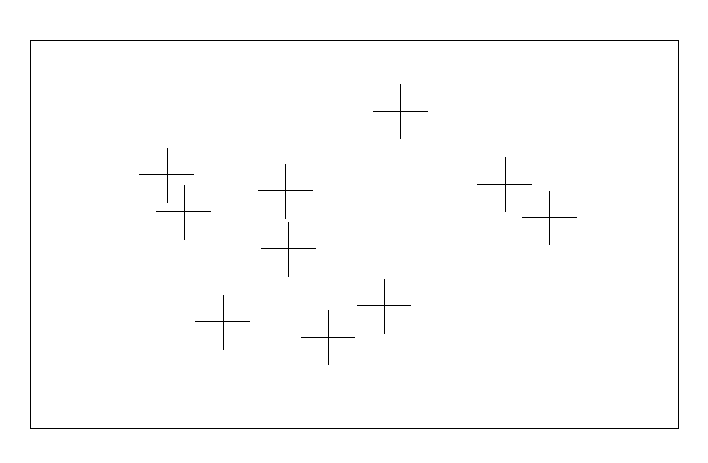
Result