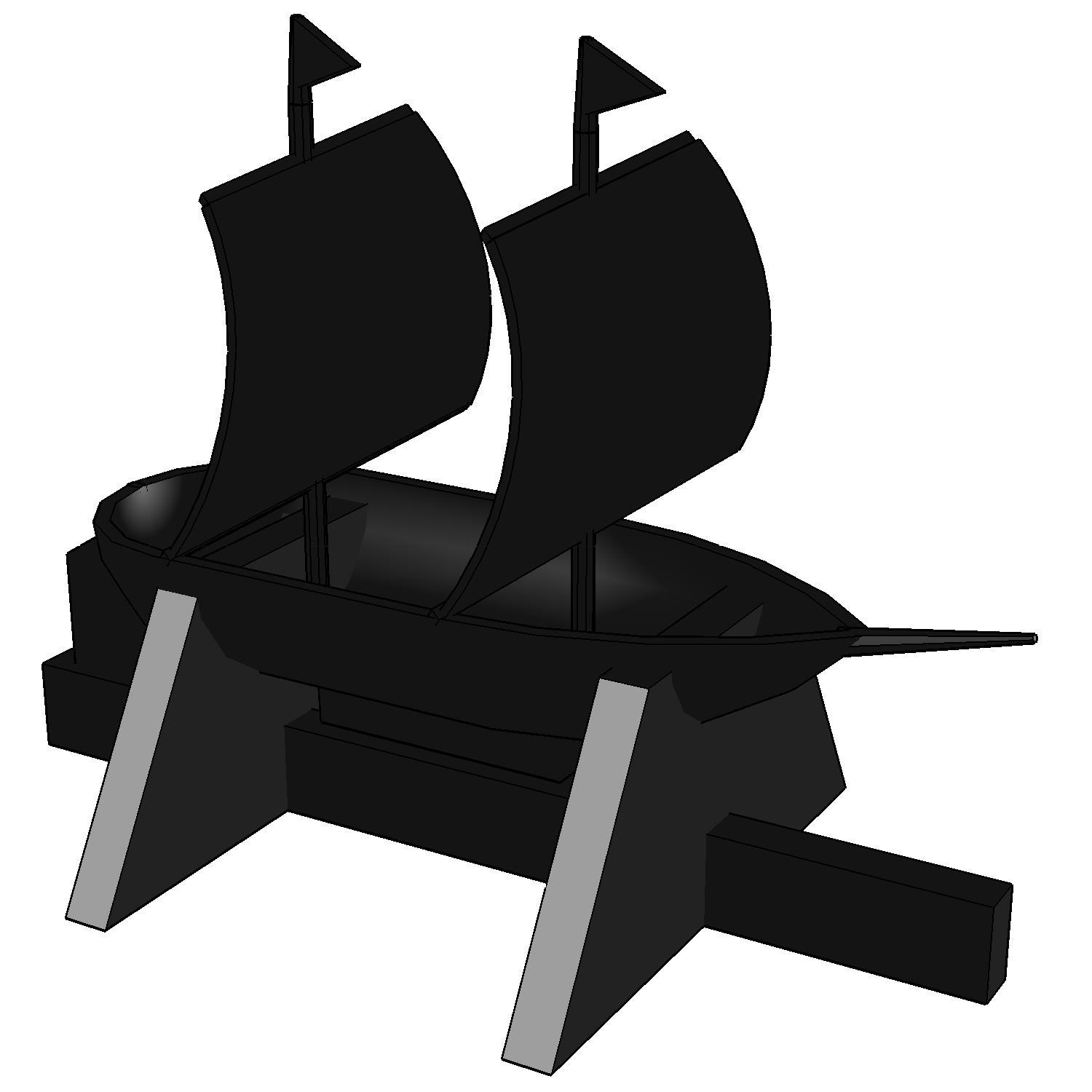
How to use View STL
Opens an STL file in your browser so you can turn it around and inspect it.
Open the appSettings
Basic input data
| Setting | What you enter | Default |
|---|---|---|
| Upload your file required | STL file, up to 70 MB | – |
| Width (pixel) required | Number | 1500 |
| Height (pixel) required | Number | 1500 |
What you get
- A report shown on the page
- A preview image of the result
Worked example