How to use Scale G-CODE
Scales a G-code part separately along X and Y.
Open the appSettings
Cutting type, coordinates, units and M codes work the same way in every cutting app. G-code settings explained
Basic input data
| Setting | What you enter | Default |
|---|---|---|
| Upload your file required | EIA, NC, CNC, TXT, GCODE file, up to 50 MB | – |
| Scale X required | Number | 1 |
| Scale Y required | Number | 1 |
G-CODE data
| Setting | What you enter | Default |
|---|---|---|
| Cutting type required | One of: GAS · PLASMA · MARK | – |
| Coordinates required | One of: Absolute · Incremental · Absolute - Incremental Arc centers | Absolute |
| Measurement unit required | One of: inch · mm · cm | mm |
| M codes on required | One of: Yes · No | Yes |
What you get
- Download Generated gcode
- Download Generated txt
- Download Generated NC
- A preview image of the result
Worked example
Original part
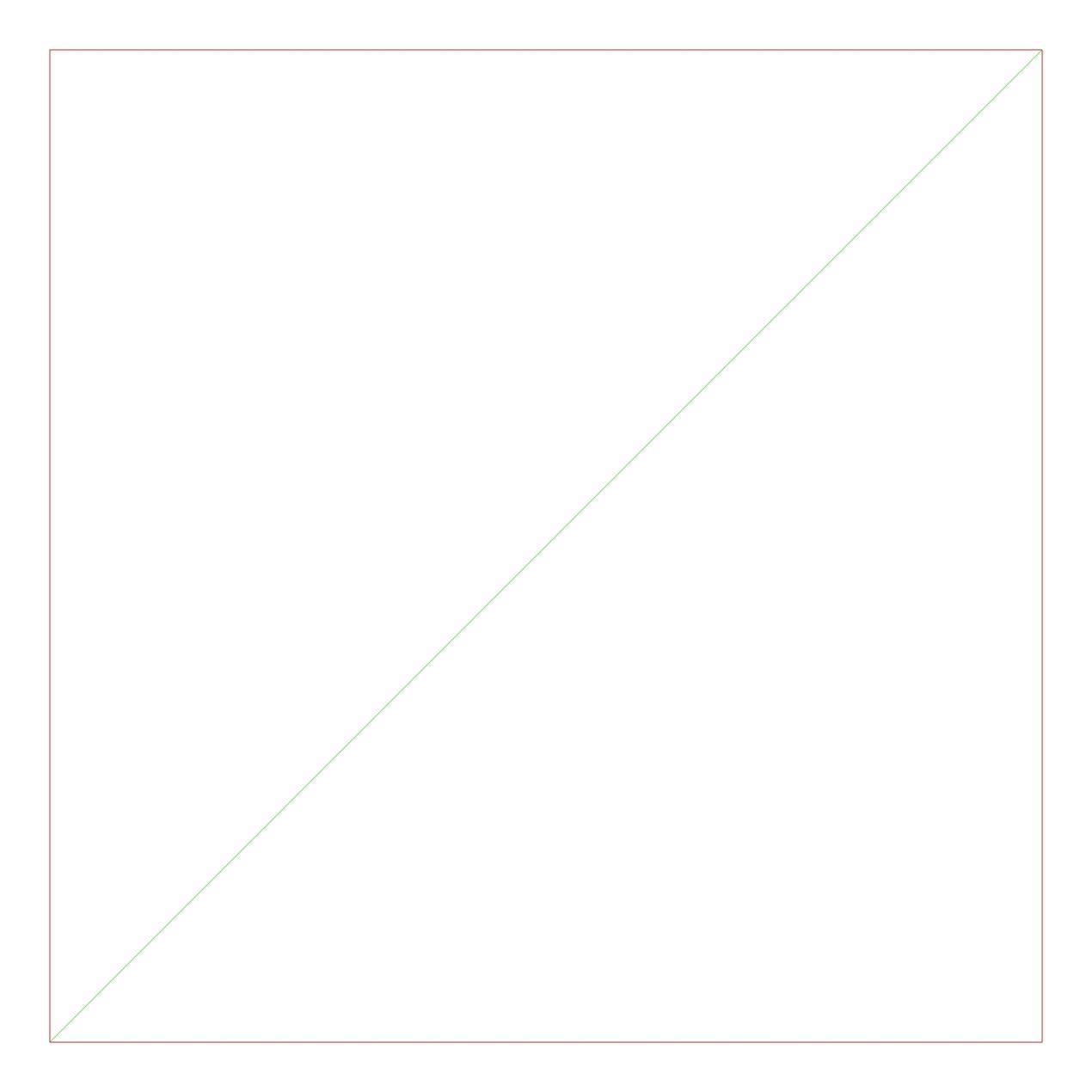
Settings
- Scale X
0.5- Scale Y
1
Result