How to use STL mill
Mills a 3D model from an STL file on a rotary axis. The stock turns around the X axis while the tool, on the Z axis, carves the model slice by slice.
Open the app
Settings
Basic input data
| Setting |
What you enter |
Default |
| Upload your file required |
STL file, up to 31 MB |
– |
Machine data
| Setting |
What you enter |
Default |
| Slices distance required |
Number |
4 |
| Tool diameter required |
Number |
20 |
| Axis diameter required |
Number |
30 |
| Rotation angle required |
Number |
0 |
| Tool length required |
Number |
250 |
| Secure position required |
Number |
300 |
What you get
- Download Generated G-CODE file (.GCODE)
- Download Generated G-CODE file (.TXT)
- Download Generated G-CODE file (.NC)
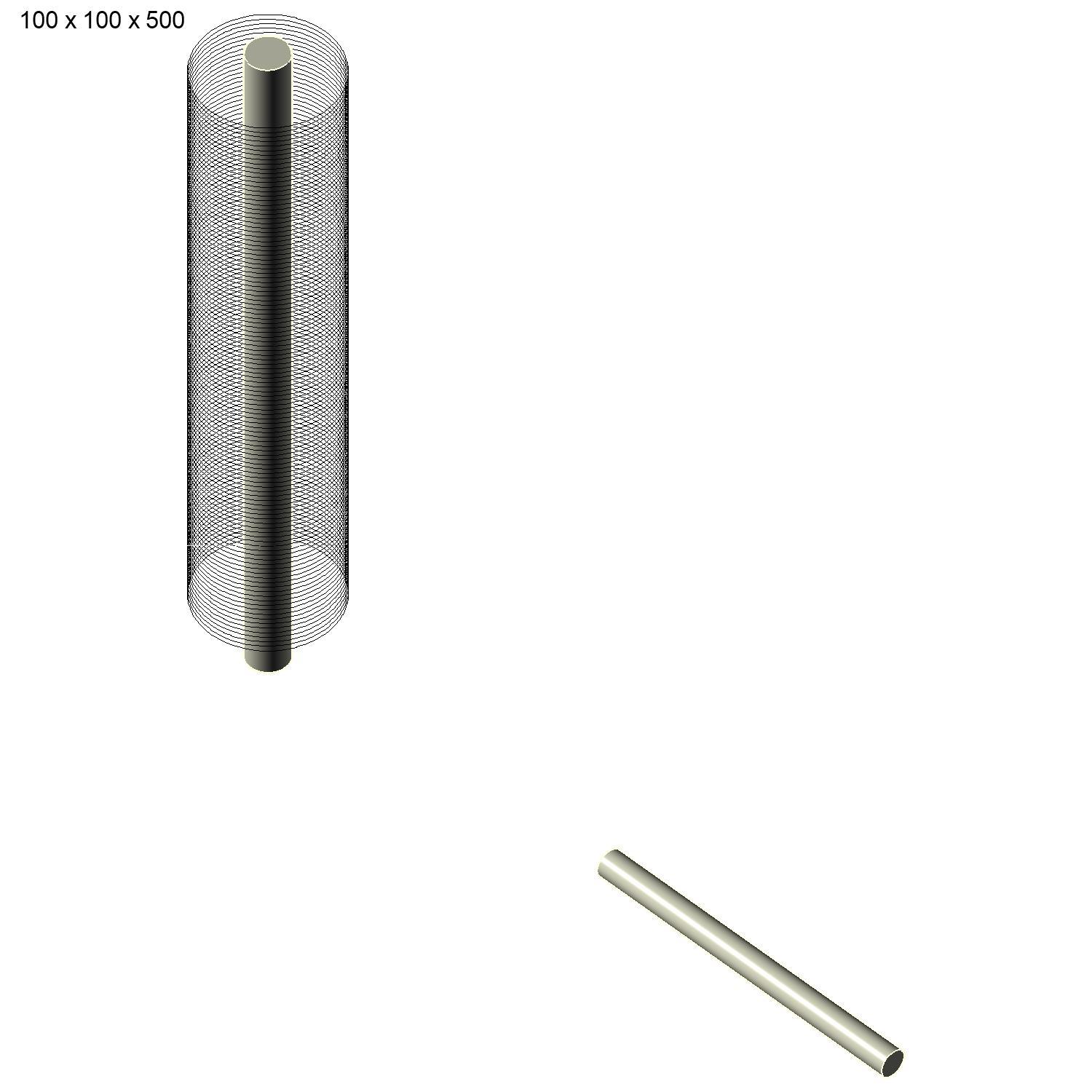
- A preview image of the result
Worked example
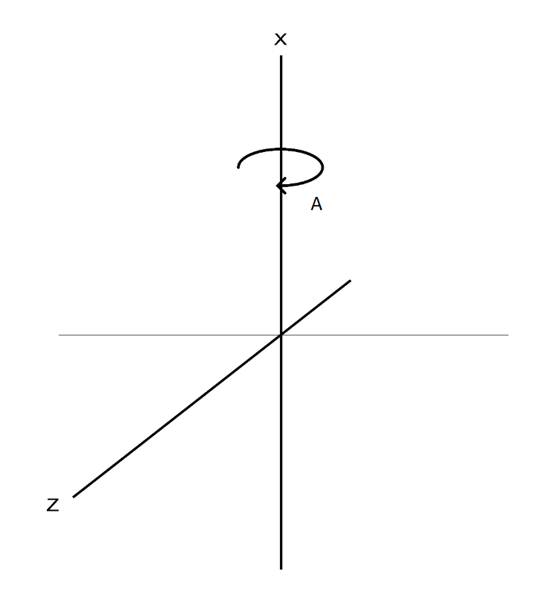
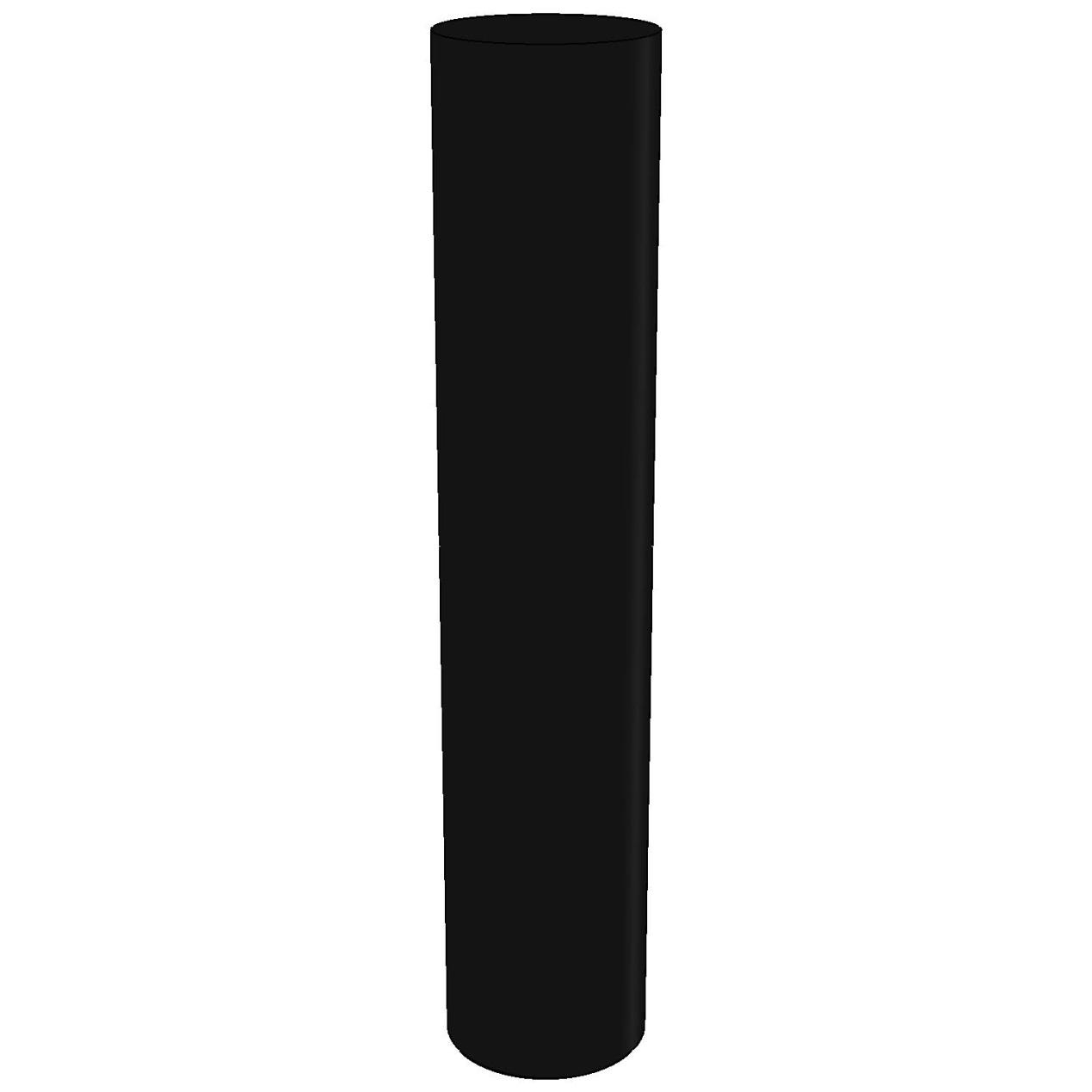
Model
Settings
- Slices distance
4
- Tool diameter
20
- Axis diameter
30
- Rotation angle
0
- Tool length
250
- Secure position
300
Result
Open the app